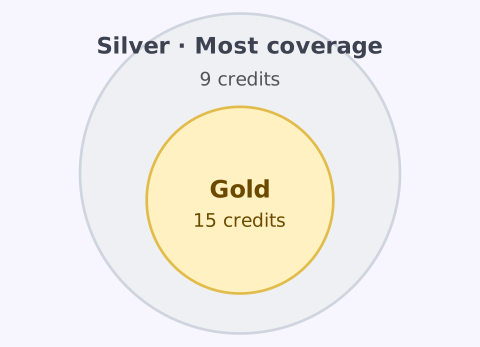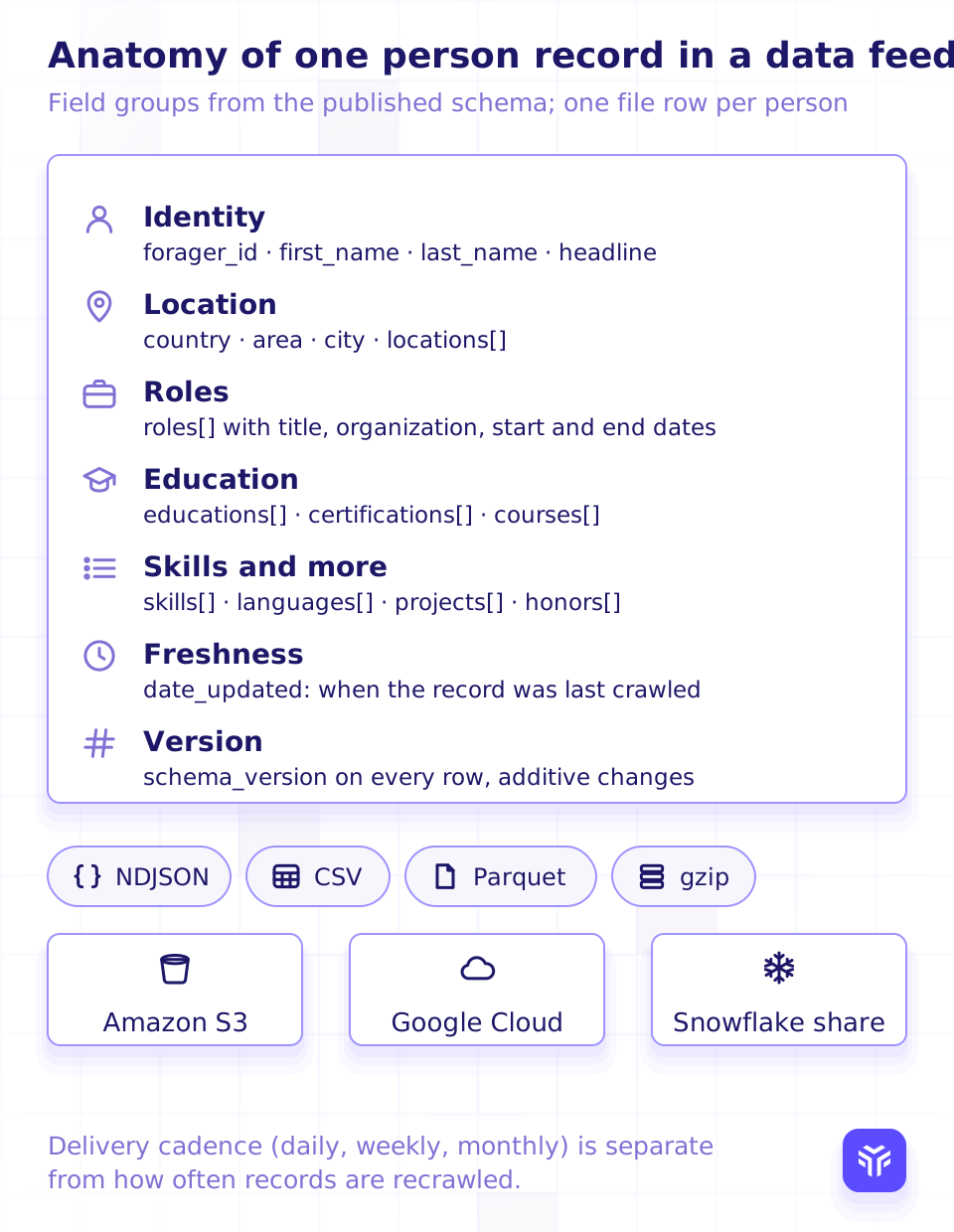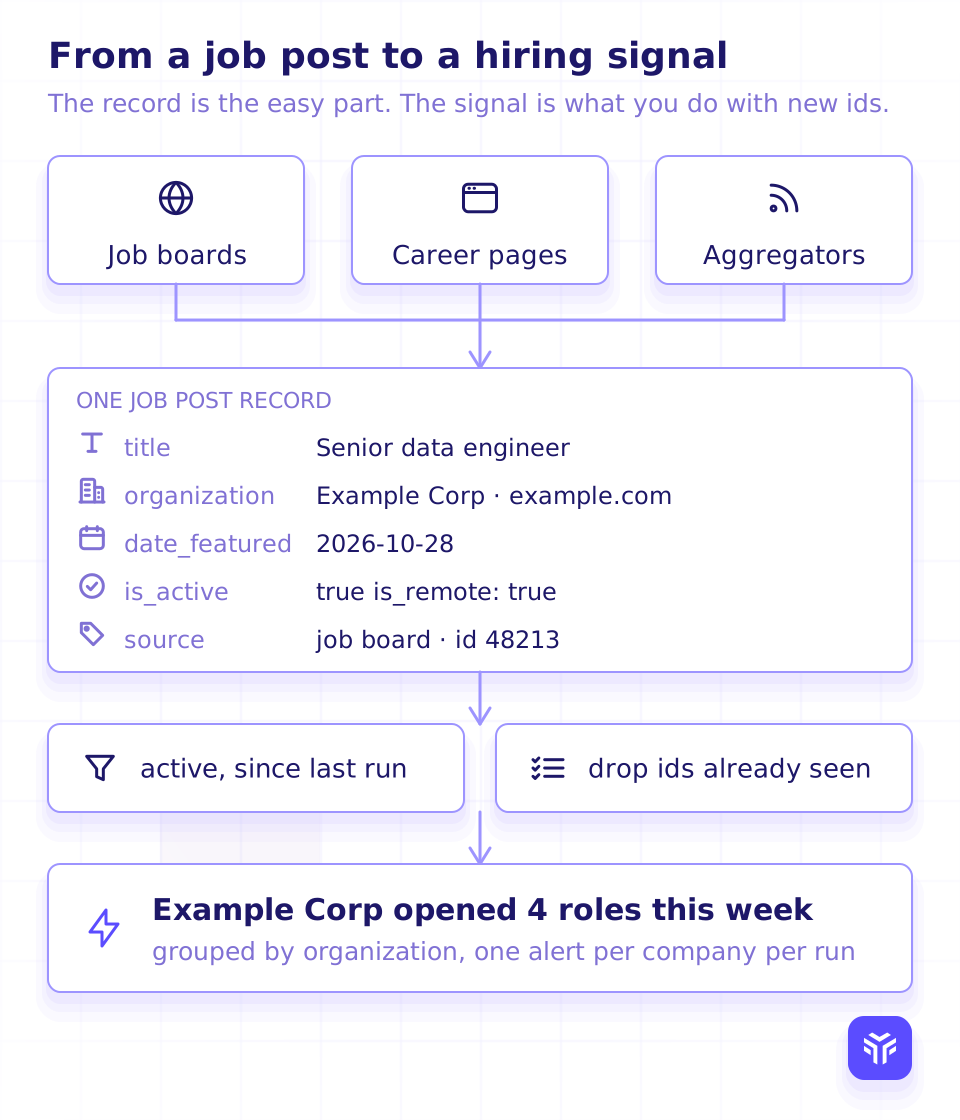









Read the video (17 seconds, loops, no voiceover)
- Personal email lookup. Find the inbox a person reads at home.
- Since July 1: consumer addresses only. Gmail, Outlook, Yahoo, iCloud, Proton and other consumer providers.
- Nothing left? No charge. No personal email: 0 credits.
- Need a work address? Use the work email lookup.
- Try personal email lookup. 5 credits, only when an address comes back.
On this page
Key takeaways
- The lookup returns only addresses on free webmail and consumer providers, such as Gmail, Outlook, Yahoo, iCloud and Proton.
- Corporate, school and other custom domains are left out. Use the work email lookup for work addresses.
- When nothing is left after filtering, the response is empty and no credits are charged.
The personal email lookup now returns one kind of address: the inbox a person reads at home.
Only addresses on free webmail and consumer providers come back, such as Gmail, Outlook, Yahoo, iCloud and Proton. Work and school addresses are left out.
What changed
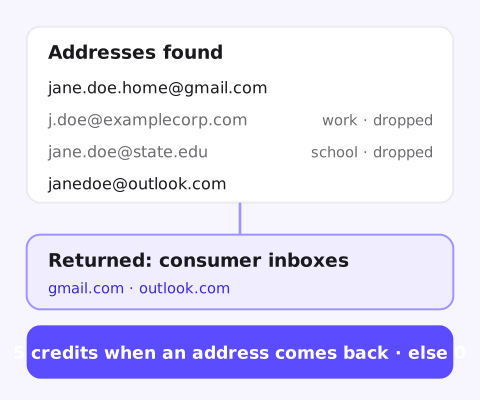
Before, a personal email lookup could also return work and school addresses tied to the person. Now the lookup filters them out before the response.
What you get back is the inbox a person reads at home, not a stale work address.
What is left out
- Corporate domains: any company's own domain, current or past.
- Educational domains:
.edu,.ac.ukand other school addresses. - Other custom domains: a personal vanity domain or a small business site.
For work addresses, use the work email lookup. It finds a person's current work email and checks it is deliverable.
What it costs
A personal email lookup costs 5 credits, and only when at least one address is returned.
When nothing is left after filtering, you get the same empty response as for a person with no personal emails. No credits are charged. So the filter never costs you a lookup that returns only work addresses.
Request and response are unchanged
Send the same request to POST /person_contacts_lookup/personal_emails/ as before:
curl -X POST "https://api-v2.forager.ai/api/$FORAGER_ACCOUNT_ID/datastorage/person_contacts_lookup/personal_emails/" \
  -H "X-API-KEY: $FORAGER_API_KEY" \
  -H "Content-Type: application/json" \
  -d '{"linkedin_public_identifier": "jane-doe-example"}'
Each address still comes with email_type and validation_status:
[
  { "email": "jane.doe.home@gmail.com", "email_type": "personal", "validation_status": "valid" }
]
No code change is needed. Your integration simply stops seeing work and school addresses in this response.
When to use a personal email
A home inbox fits when the relationship follows the person, not the job:
- Recruiting: reach candidates at the address they read outside work.
- Alumni and community programs: stay in touch after someone moves on.
- Identity matching: connect a personal sign-up to a professional profile.
Check your own rules on contacting people at personal addresses before you send.
Personal and work email side by side
| Personal email lookup | Work email lookup | |
|---|---|---|
| Returns | Consumer inboxes (Gmail, Outlook, Yahoo, iCloud, Proton) | The current work address, checked as deliverable |
| Credits | 5, only when an address is returned | 5, only when an address is found |
| Nothing found | Empty response, 0 credits | not_found, 0 credits |
| How it runs | One request, one response | A job: poll or webhook, plus a bulk endpoint |
Use both when you need both: the work address for work outreach, and the home inbox for anything that should follow the person. See the credit pricing docs for every endpoint's cost.
FAQ
Which providers count as personal?
Free webmail and consumer providers, such as Gmail, Outlook, Yahoo, iCloud and Proton.
Will I still get work emails from the personal email lookup?
No. Corporate, educational and other custom domains are left out. Use the work email lookup for work addresses.
What happens if a person only has work addresses?
You get the same empty response as for a person with no personal emails, and no credits are charged.
Do I need to change my integration?
No. The request and response formats are unchanged. Each address still comes with email_type and validation_status.
How much does a personal email lookup cost?
5 credits, charged only when at least one address is returned.
See which personal emails we find
Send a sample of people you care about. We run them through the personal email lookup and show you what comes back, address by address.
- 5 credits only when an address comes back
- Consumer inboxes only
- Same request and response
#1 of 10 in Clay's 2026 test of mobile data providers Source: Clay